The Journal Enterprise
How to Modernize a Legacy System Without Stopping Your Business
Replacing a critical system all at once is the riskiest way to do it. Here is a safer path: replace it piece by piece while the business keeps running.
Willowcy Team 4 min read
Most legacy systems are still running for a good reason: the business depends on them. They hold years of data and rules that nobody has fully written down. That is what makes them hard to replace, and it is why the classic plan of building a new system and switching over one weekend so often goes badly.
There is a safer way. Replace the system in stages, while the old one keeps working.
Decide why you are modernizing
"The technology is old" is not a business case. Old software that is stable, secure, and cheap to run may be fine for years. These are better reasons to act:
- The people who understand the system are retiring or leaving.
- The vendor or underlying technology is no longer supported, which creates a security risk.
- Every small change takes months, so the system is holding the business back.
- It cannot connect to the tools, partners, or channels you now need.
Naming the real reason matters, because it decides what you replace first. If the problem is slow changes in one department, you may not need to touch the rest.
Why big-bang replacements fail
A full replacement asks you to do two difficult things at the same moment: rebuild years of accumulated behavior and move the whole organization onto it. Requirements change during the long build, the business gets no value until the end, and the switch itself becomes a single point of failure.
The biggest trap is hidden behavior. Old systems contain rules that were added to handle a real situation long ago, and nobody remembers them until the new system gets them wrong.
A safer path, in five steps
1. Map what the system actually does
Talk to the people who use it, not only the people who own it. Look at the reports they export, the manual fixes they make, and the files they keep on the side. Those workarounds show you what the system really needs to do.
2. Put a layer in front of it
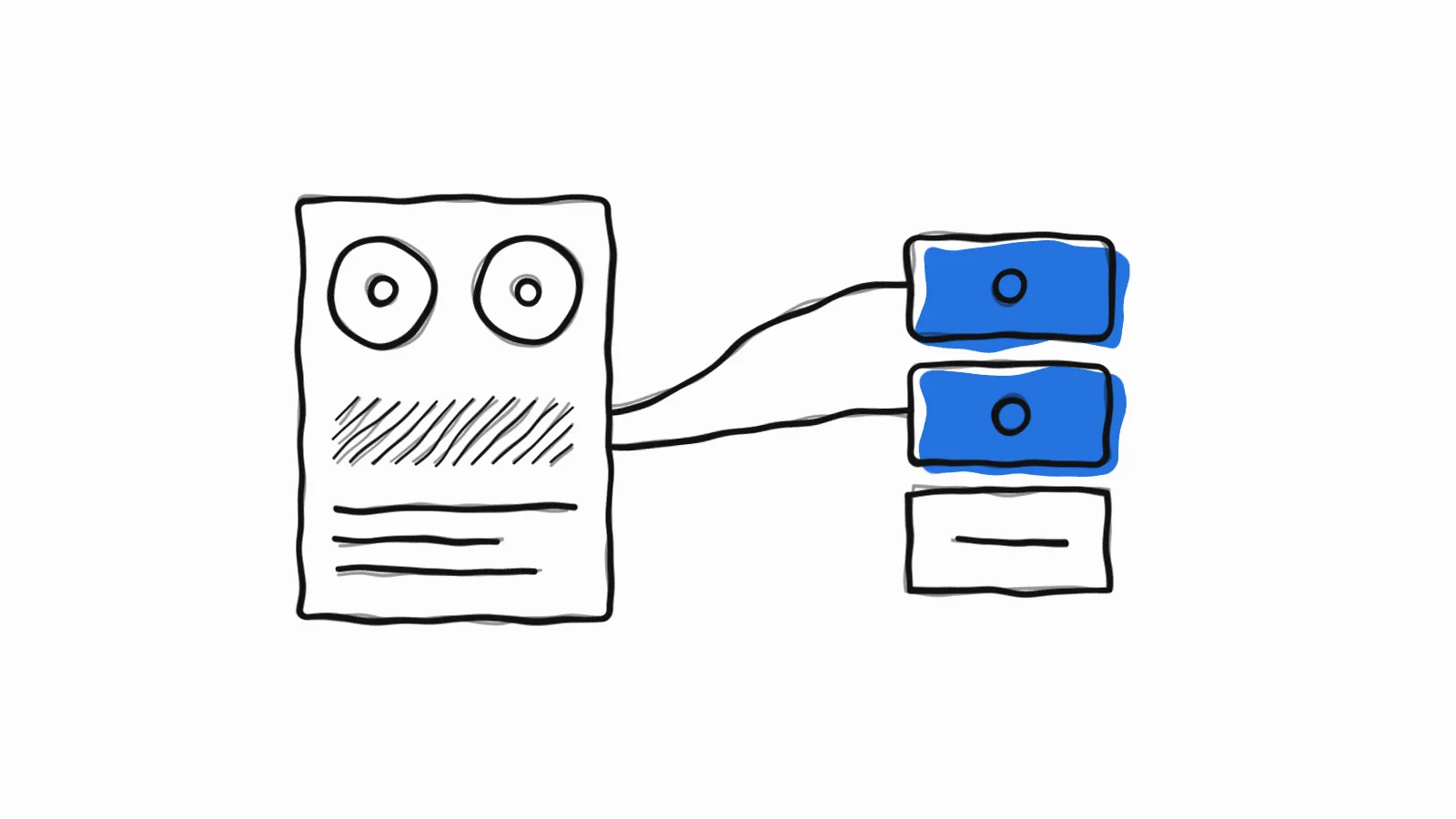
Before replacing anything, add a clean connection layer between the old system and whatever talks to it. New applications use that layer instead of connecting to the old system directly. Later, you can change what sits behind it without disrupting anyone.
3. Replace one piece at a time
Choose a part with clear boundaries and real value, such as customer access to order status or one internal approval flow. Build it, move users across, and retire the old version. Each step delivers something useful, and each one lowers the remaining risk. This approach is often called the strangler pattern, because the new system gradually grows around the old one until nothing is left to remove.
4. Treat data as its own project
Data migration is where many projects get into trouble. Test it early with real data, expect inconsistencies, and rehearse it more than once. Decide who owns each set of data during the transition, and never leave two systems both acting as the source of truth without a clear rule for resolving differences.
5. Always keep a way back
Run old and new side by side where you can, and compare the results before you trust them. Move a small group of users first. Make sure you can return to the old path quickly if something goes wrong, and only retire it once the new one has proven itself.
Questions to ask before you start
- Which business outcome will tell us this worked?
- What must never go down, and for how long is an outage acceptable?
- Who on our side can make decisions quickly when the old rules turn out to be unclear?
- Who will own and maintain the new system once it is live?
- What security and compliance requirements does it have to meet?
What to expect from a partner
Be cautious of anyone who promises to replace everything quickly without first studying what you have. A good partner will want to understand the system before quoting, will show working software in short cycles, and will hand over documentation and credentials so you are never dependent on them.
That is how we approach custom web platforms at Willowcy: we map requirements before writing code, share weekly updates and real demos, and integrate with what you already run so your team can keep working.
Start with a conversation
If a critical system is holding your business back, tell us what it does and what worries you most. We will help you work out what to replace first, and what to leave alone. Request a discovery call.